
What Are You Looking For?
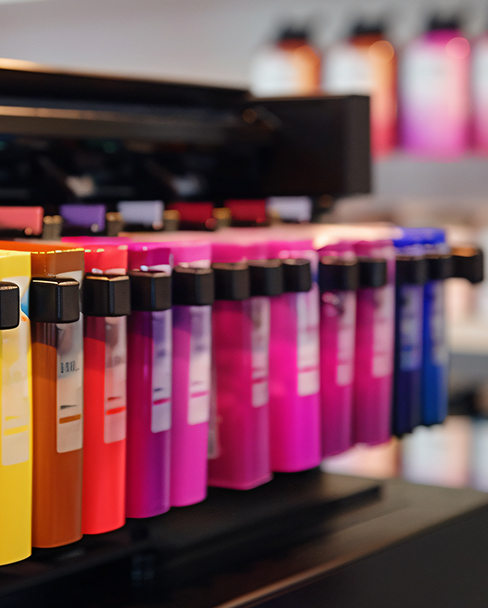
As a commonly used signage printing device in industrial settings, ink leakage is a frequent problem for CIJ printers. It not only reduces printing accuracy and contaminates the printing substrate, but can also corrode internal circuitry, causing more serious damage. Based on industry failure statistics, the top five core causes and corresponding quick solutions are as follows:
1. Ink Cartridge/Ink Path Seal Failure (Approximately 35%, most common cause)
Core causes: Aging and cracking of the ink cartridge rubber seal after long-term use; micro-cracks caused by impacts to the thin and brittle shell of compatible ink cartridges; and ink expansion due to overfilling beyond the safe level, causing the seal to break through. These are the most common causes of ink leakage. Symptoms include noticeable ink seepage at ink cartridge seams and interfaces, and irregular ink spots on the printed paper surface.
Quick Solution: Immediately power off and remove the ink cartridge. Wipe the interface and surrounding ink with a lint-free non-woven cloth. If the problem is confirmed to be an aging seal or a cracked casing, replace it with an original ink cartridge of the same model. If it is due to overfilling, pour out the ink exceeding the safe level, reseal and reinstall, ensuring the clips are firmly locked with a "click" sound before powering on to test.
2. Waste Ink Collection System Saturated (Approximately 25%)
Core Cause: Waste ink generated during routine printhead cleaning of CIJ printers is collected in the waste ink pad at the bottom. If not cleaned regularly, the pad becomes saturated, causing ink to overflow. Symptoms include ink seepage from the bottom gaps of the printer and ink residue on the paper feed rollers.
Quick Solution: Open the printer bottom cover and remove the waste ink pad. Rinse off the surface ink with clean water and allow it to air dry in a cool, ventilated place for 24 hours before reinstalling. In an emergency, a clean absorbent sponge can be temporarily placed in the waste ink tank to catch the waste ink. For long-term use, it is recommended to replace the waste ink pad with a new one and reset the waste ink counter.
3. Printhead Clog/Wear (Approximately 20%)
Core Cause: Prolonged inactivity leads to ink drying and clogging at the nozzles, causing ink to accumulate and overflow from the printhead gaps; or prolonged use causes physical wear and tear on the printhead, resulting in seal failure and ink leakage. Symptoms include ink leakage accompanied by broken lines and blurred or missing characters.
Quick Solution: First, perform 1-2 cleaning cycles using the "Automatic Printhead Cleaning" function on the control panel. If leakage persists after cleaning, manually wipe the accumulated ink on the printhead surface with a cotton swab dipped in purified water (avoid touching the nozzle circuitry). If physical wear of the printhead is confirmed, replace it with a brand new original printhead.
4. Ink Pressure Imbalance (Continuous Ink Supply/External Ink Tank Models Approximately 12%)
Core Cause: When the ink level in an external ink tank exceeds the printhead's horizontal plane by 50mm, gravity causes ink to drip from the printhead; or loose ink supply line connections leak air, disrupting the ink supply balance and leading to leakage. The fault manifests as continuous ink dripping from the printhead while the machine is powered on, with the leakage worsening during printing.
Quick Solution: Adjust the placement height of the external ink tank to ensure the ink level is level with the printhead, or slightly lower by 10-20mm to balance the effects of gravity; check all connections on the ink supply lines one by one, and re-tighten any loose connections to eliminate leaks.
5. Abnormal Environment/Substandard Consumables (Approximately 8%)
Core Causes: When the ambient temperature exceeds 35℃, the ink expands due to heat, increasing internal pressure in the ink path and potentially breaking through the sealing layer; when relative humidity is >60%, the ink viscosity decreases, making it easier to leak through gaps; using non-original or inferior ink can easily clog the pipes due to impurities, and chemical components can corrode seals, accelerating ink leakage.
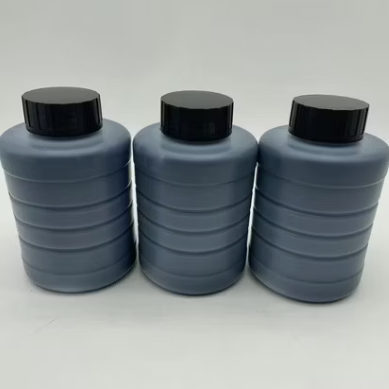
Quick Solution: Move the equipment to an environment with a temperature of 15-30℃ and relative humidity of 40%-60% and let it stand for 2 hours before testing; replace with genuine original ink recommended by the equipment manufacturer, and do not mix inks of different brands or models.
If the above solutions fail to resolve the ink leakage issue, it is highly likely due to a deeper hardware problem such as a ruptured ink pipeline or a faulty pressure sensor. It is recommended to contact official after-sales personnel for on-site inspection and repair to avoid further damage to the equipment caused by self-disassembly.

Leave A Message
Scan to Wechat :

Scan to WhatsApp :

 English
 Pусский
 Español
 Português
 العربية
 فارسی
فارسی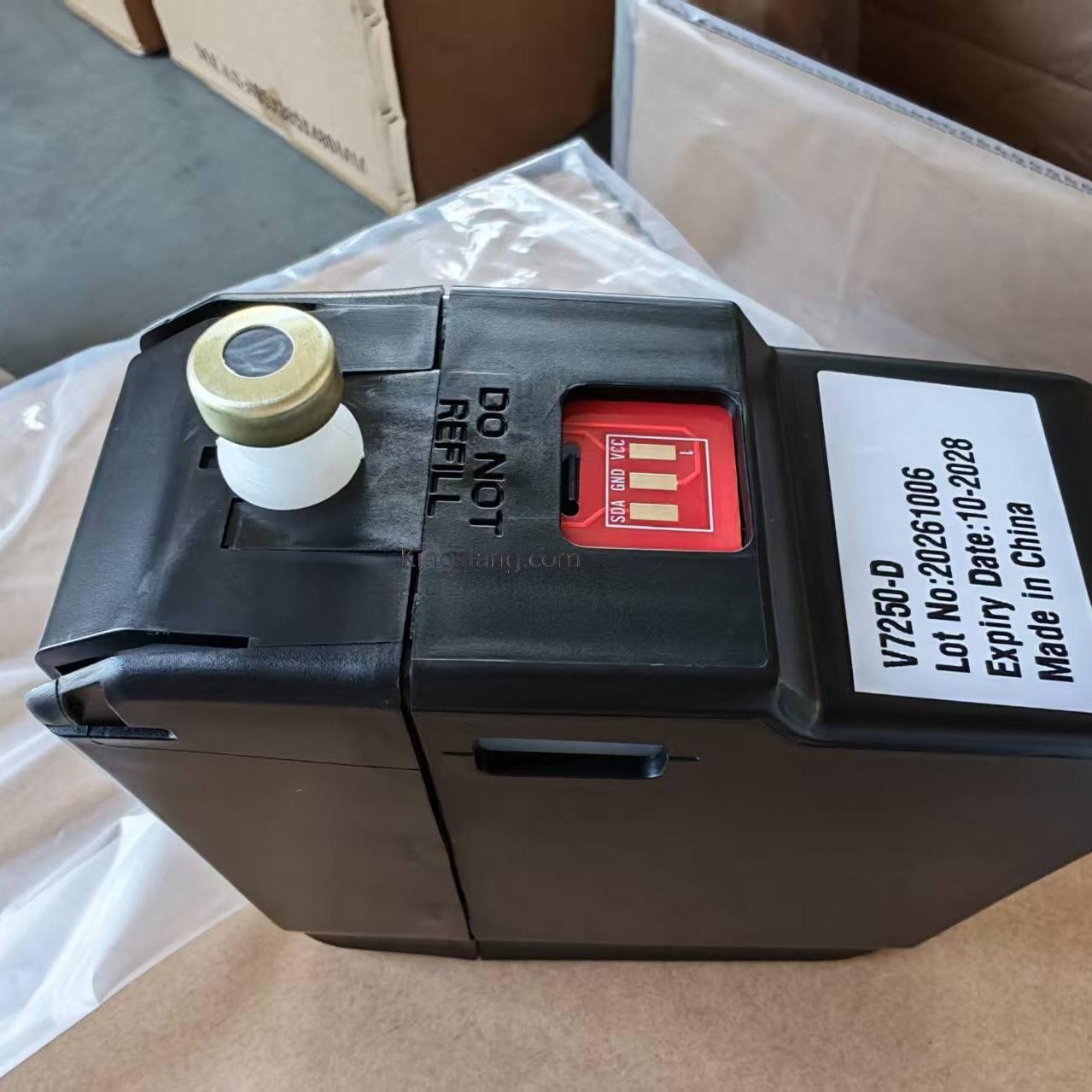




 IPv6 network supported