Leave A Message
Leave A Message
If you are interested in our products and want to know more details,please leave a message here,we will reply you as soon as we can.
submit
Home Products Inkjet Printer spare parts

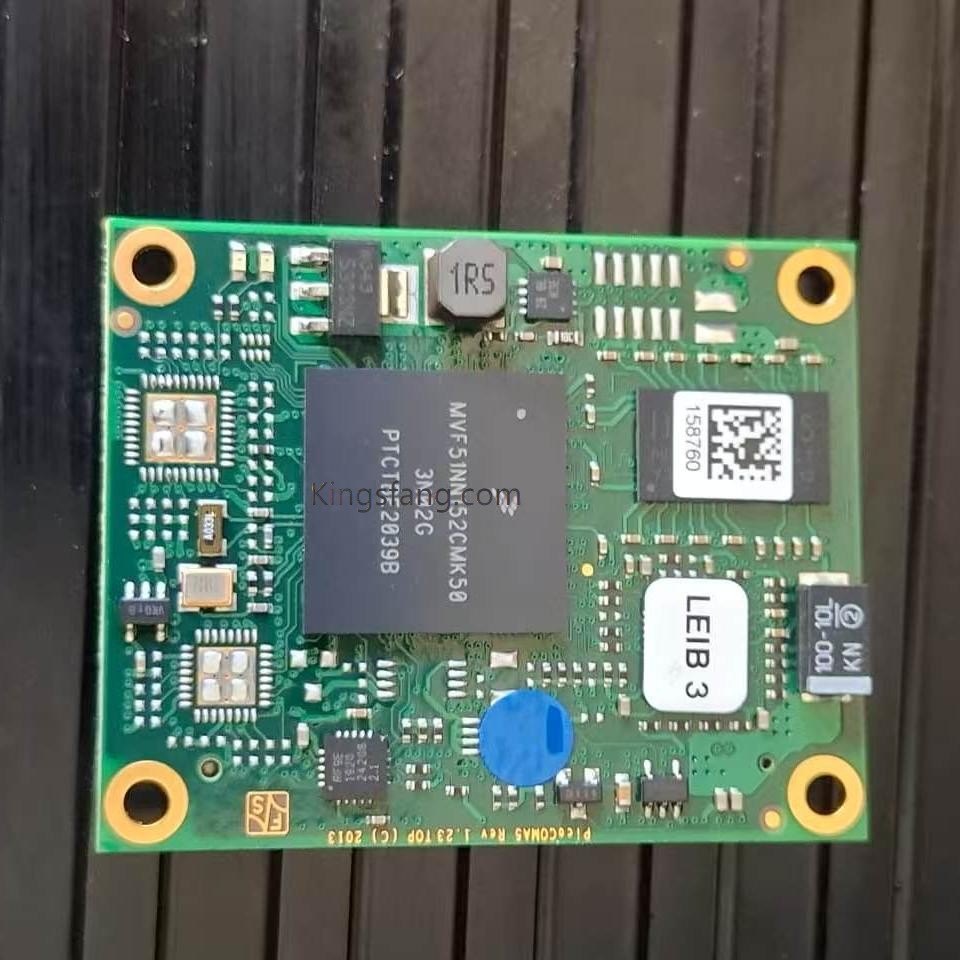
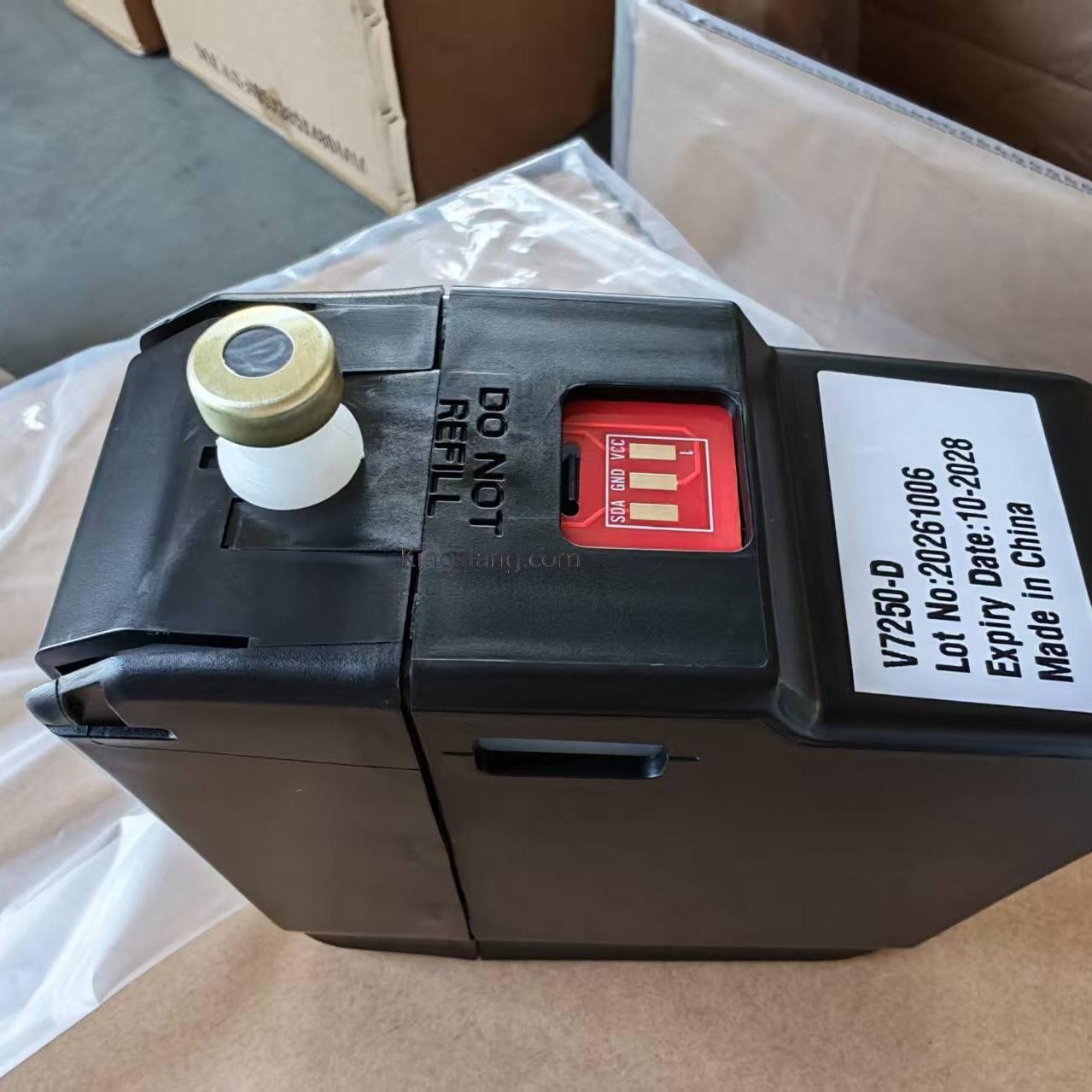
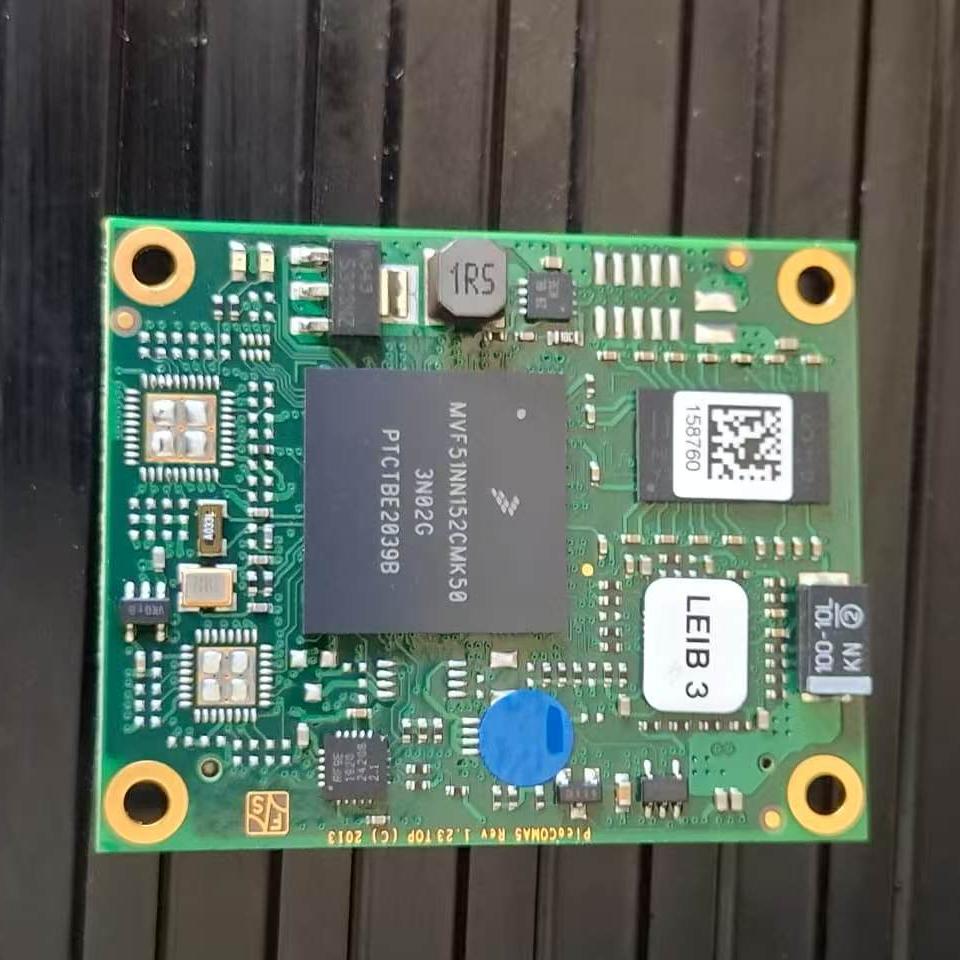
PICOCOM CARD for LEIBINGER JET2 neo Printer

PICOCOM CARD for LEIBINGER JET2 neo Printer

Within the hardware architecture of the LEIBINGER JET2 neo series small-character inkjet printer (CIJ), the PICOCOM CARD (also known as the Picocom core board or module) serves as the device's central control core (CPU core board).

  • Order(MOQ) :

    1
  • Payment :

    via paypal, Western Union, Money Gram, bank, credit guarantee etc
  • Product Origin :

    China
  • Color :

    NONE
  • Shipping Port :

    Xiamen
  • Lead Time :

    5-7days
  • Weight :

    1kg
New Products
 
Product Description
• System Operation: Runs on the Windows CE embedded system, managing the printer's user interface.
• Communication Management: Controls the printer's external interfaces, including Ethernet, USB, and digital I/O for connectivity with automated production lines.
• Printing Control: Schedules and transmits data—such as text, expiration dates, batch numbers, or barcodes—to the main print circuitry, coordinating with the nozzle (utilizing Sealtronic technology) to execute the printing process.


leibinger Picocom Card
 

leibinger Picocom Card


leibinger Picocom Card


leibinger Picocom Card

leibinger Picocom Card

FAQ
Q1: The printer won't turn on at all, and the screen shows no response?
A: Check the following:
1. Insufficient press time: The JET2 neo's touch-sensitive power button must be pressed continuously for at least 2 seconds to start up. 
2. Power supply check: Check if the main power plug is loose or if the internal mains fuses have blown. 
3. Hardware failure: If the power supply is normal and the button has been pressed for the required duration but there is still no response, the main control board, screen wiring, or power supply module may be damaged.
 
Q2: The print head isn't printing, but no error message appears on the screen?
A: Check the following:
1. Check if the print head cover is securely closed; for safety reasons, the ink jet will not activate if the cover is open.
2. Check if the wiring for the production line's product detector (PrintGo) or encoder is loose, preventing signals from reaching the machine correctly. 
3. Use the built-in I/O Test function (Path: Diagnostics/Maintenance Menu -> I/O Test) to verify if the product detector signal triggers successfully without activating the ink jet (the corresponding indicator light turns bright green when triggered).
 
Q3: Frequent High Voltage (HV) errors or ink jet misalignment occur?
A: Check the following:
1. Although LEIBINGER features exclusive Sealtronic fully automatic nozzle sealing technology—making nozzle clogs rare—ink residue or dust may accumulate on the charging electrode or deflection plates inside the print head if maintenance has been neglected for a long period. 
2. Stop printing, carefully rinse the internal print head components using the designated cleaning agent, and dry them completely with an air blower before restarting the machine.
 
Q4: The machine still indicates low fluid levels after replacing the ink or solvent?
A: Check the following:
1. The JET2 neo utilizes RFID chip reading technology (TAG-reader). When replacing a consumable bottle with a new one, you must hold the bottle's dedicated TAG chip close to the machine's card-reading sensor area to scan and identify it. 
2. After a successful scan, you must confirm activation on the system screen; only then will the system recalculate the fluid level and clear the yellow warning light.
 
Q5: Do error windows keep popping up and interfering with operations during maintenance or when accessing special settings?
A: Solution:
• When performing the initial ink fill-up routine, drain routine, or specific maintenance tasks, you can enable the "Ignore all error messages and alarm messages" function in the service menu to facilitate hardware troubleshooting by the engineer.
If your machine is currently stuck in a specific state, please let me know:
• What is the Error Code (numeric code) or the specific English/Chinese alarm text displayed on the screen?
• Is the ink stream inside the printhead shooting correctly into the gutter?
Providing these details will help me pinpoint the fault location more accurately (e.g., issues related to pressure, viscosity, high voltage, or the PICOCOM control board).
 
Q6: Can you help me source specific inkjet printer parts that are not listed on your website?
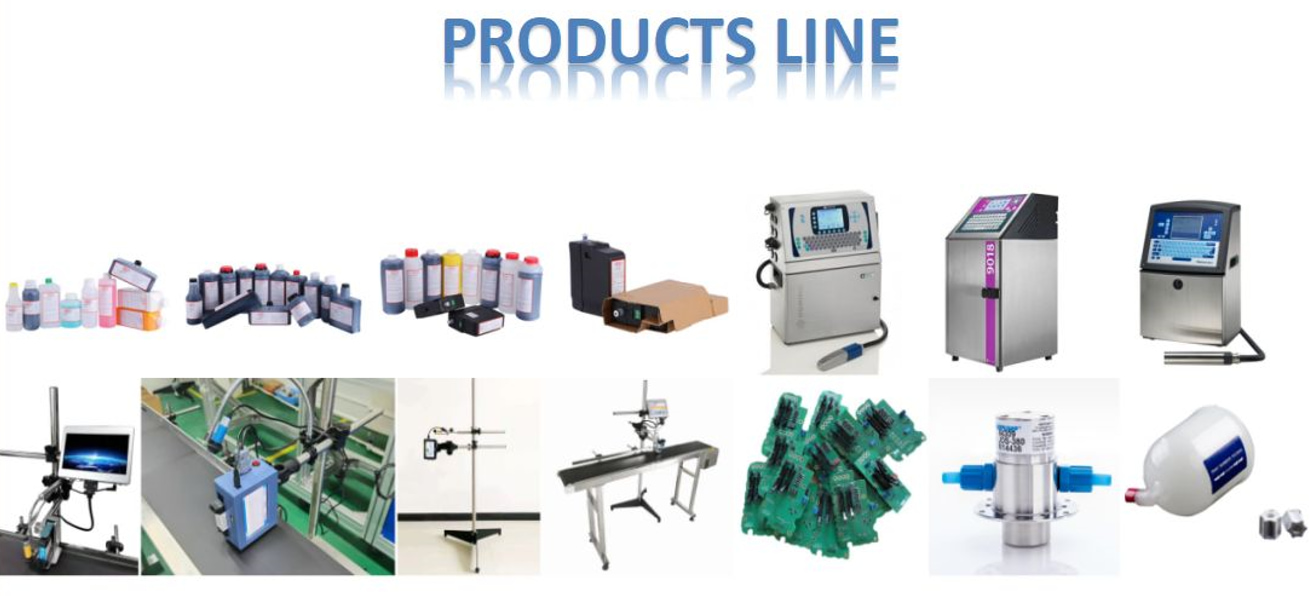
A: You can contact us directly to obtain the latest product catalog. We are happy to help customers find suitable products. Send us an inquiry, and we will contact you.
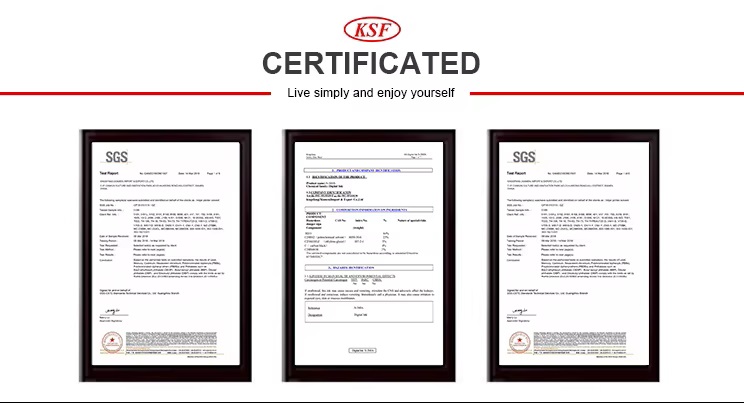
Certifications

leibinger Picocom Card


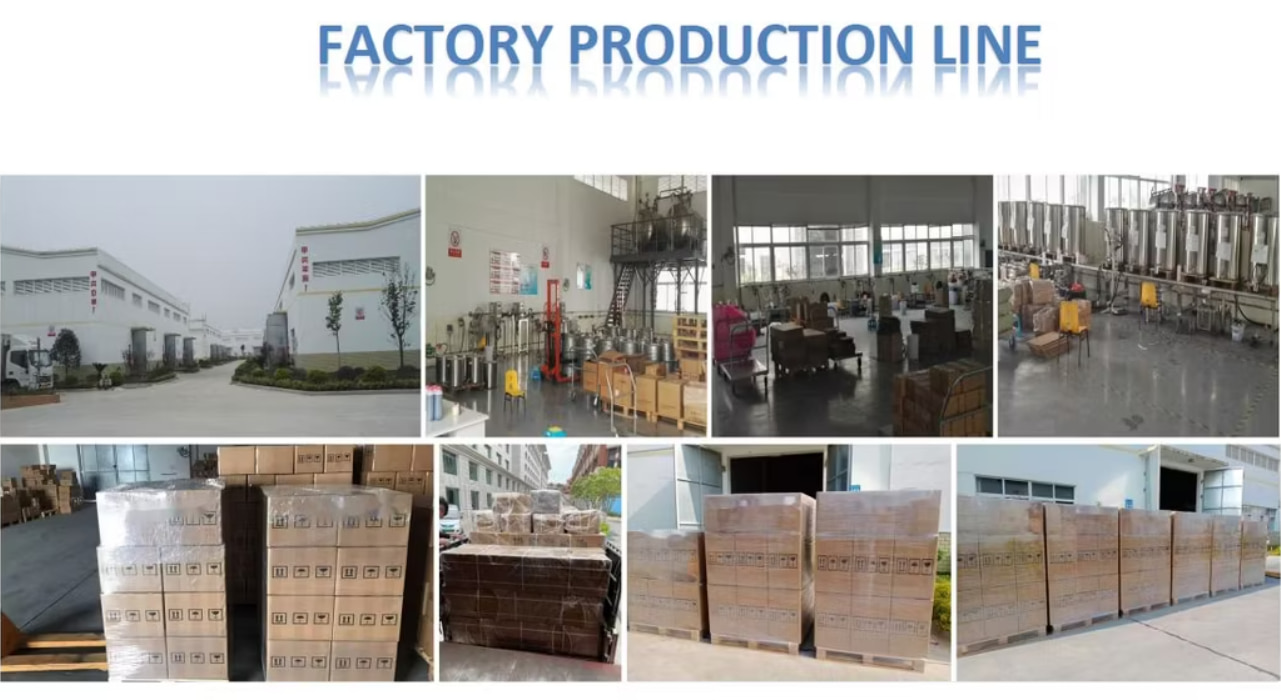
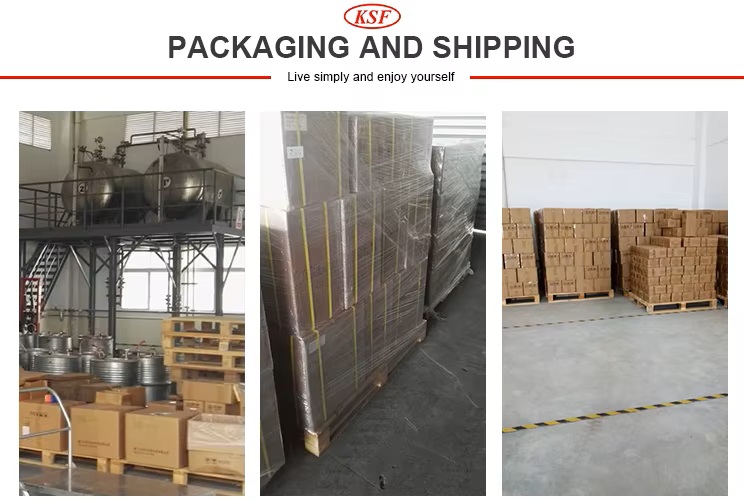
Packaging & Shipping

leibinger Picocom Card


Leave A Message
If you are interested in our products and want to know more details,please leave a message here,we will reply you as soon as we can.

Related Products

Fastjet F560-50SI LCD Display
FB-Y3.XP.YJP0002A Series 500 LCD Display (7-inch) for Fastjet F560-50SI Inkjet Printer

FB-Y3.XP.YJP0002A is a genuine 7-inch high-resolution LCD display panel assembly designed for Fastjet industrial small-character continuous inkjet (CIJ) printers. This component is primarily used in mid-to-high-end models such as the Fastjet F500 Series (e.g., F560-50SI, F550-60Si, F500Plus), serving as the core display and interactive interface for the equipment's control panel.

Read More
Picocom Card
PICOCOM CARD for LEIBINGER JET2 neo Printer

Within the hardware architecture of the LEIBINGER JET2 neo series small-character inkjet printer (CIJ), the PICOCOM CARD (also known as the Picocom core board or module) serves as the device's central control core (CPU core board).

Read More
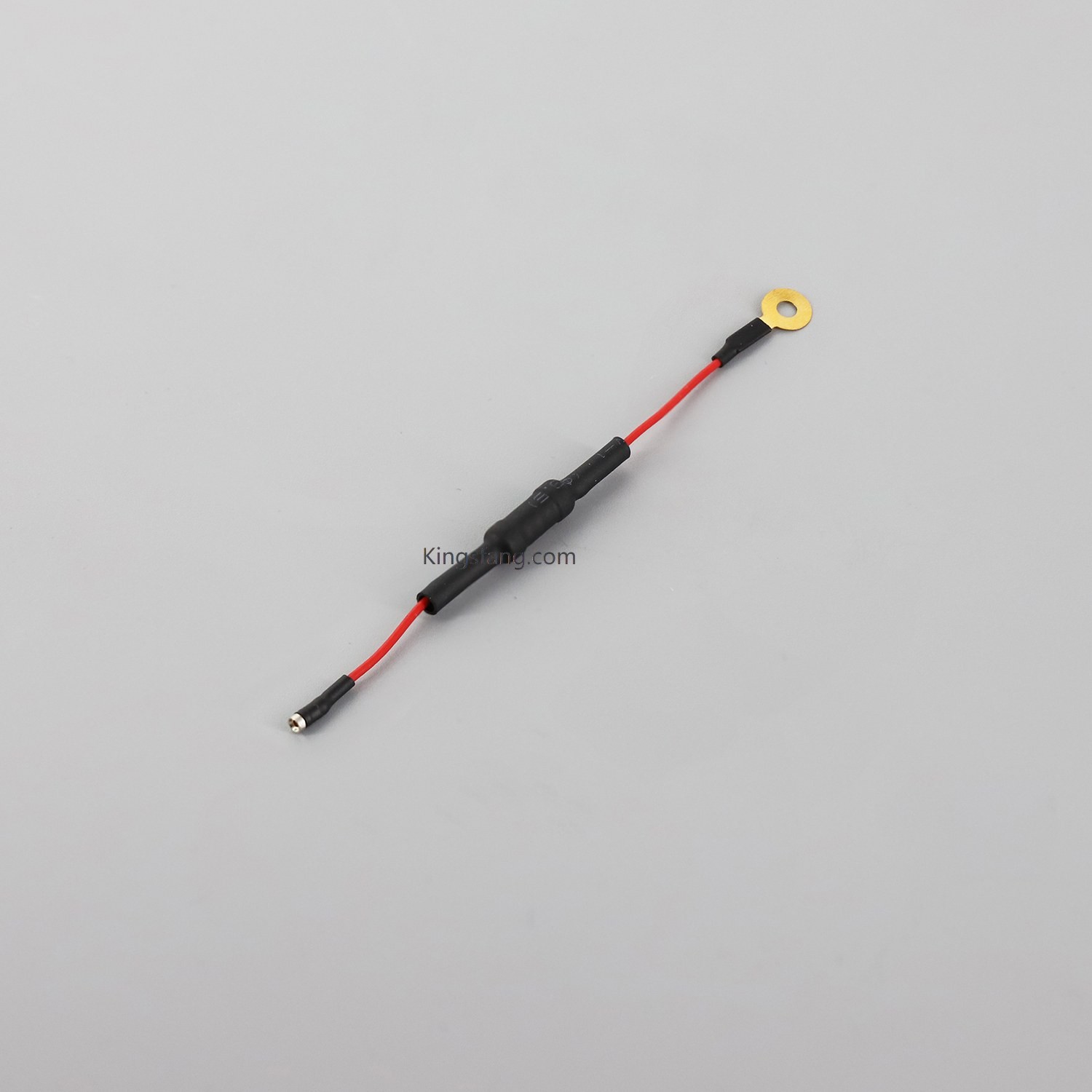
Fastjet F560 nozzle cable
FB-SHN2738 Nozzle Crystal Oscillator Connection Cable for Fastjet F560 Inkjet Printer

The FB-SHN2738 is a nozzle crystal oscillator connection cable designed specifically for the Fastjet F560 industrial inkjet printer (Continuous Inkjet, or CIJ).The primary function of this component is to establish a stable signal transmission path between the printer's nozzle crystal oscillator (a micro-piezoelectric crystal) and the main system circuit board. This cable ensures precise droplet breakup and high-frequency vibration control, thereby maintaining print quality and character clarity during high-speed operation.

Read More
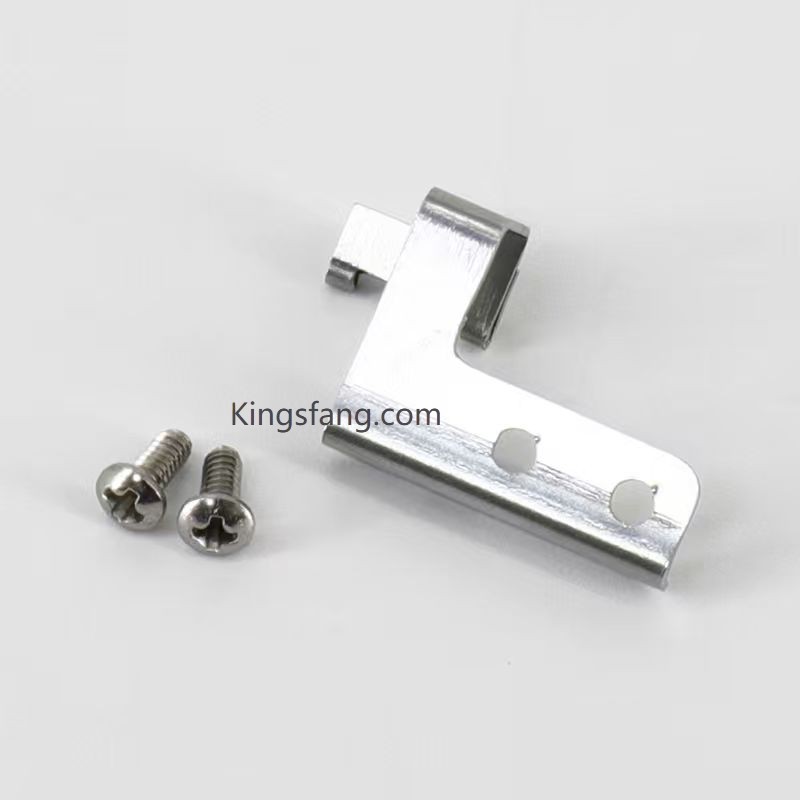
CIJ Printhead Parts
VB390019 EXCEL2000 Charging Tray for VJ Excel 2000 Inkjet Printer

VB390019 is the replacement part code for the Charging Tray / Charging Tank used in the VJ Excel 2000 continuous inkjet (CIJ) printer.

Read More
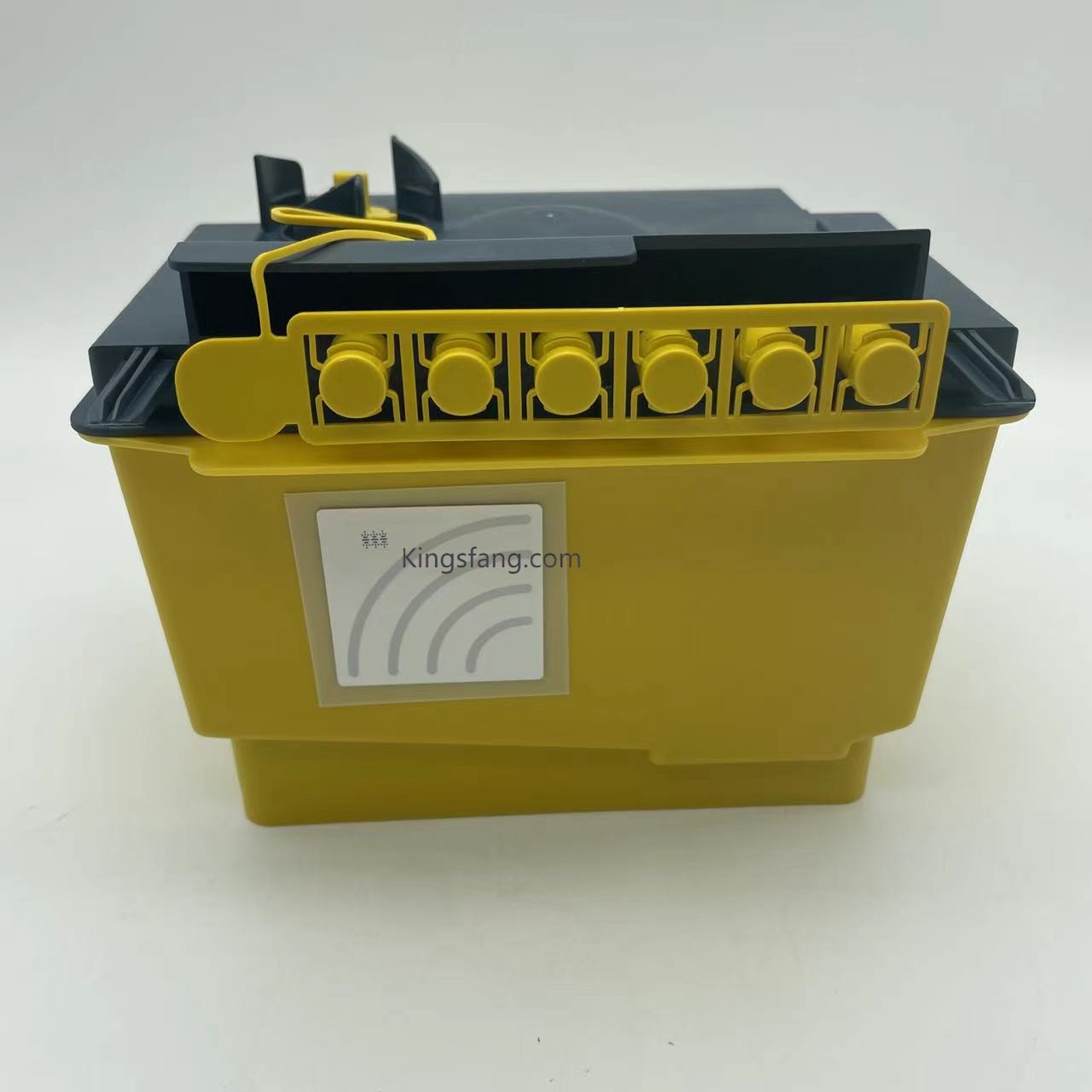
Maintenance Module
EPT009488SP ITM02 ITM06 alternative Service Module use for domino AX150 AX350 inkjet coding printer

The ITM02 is an intelligent ink tank module designed specifically for Domino Ax-Series continuous inkjet (CIJ) printers.

Read More
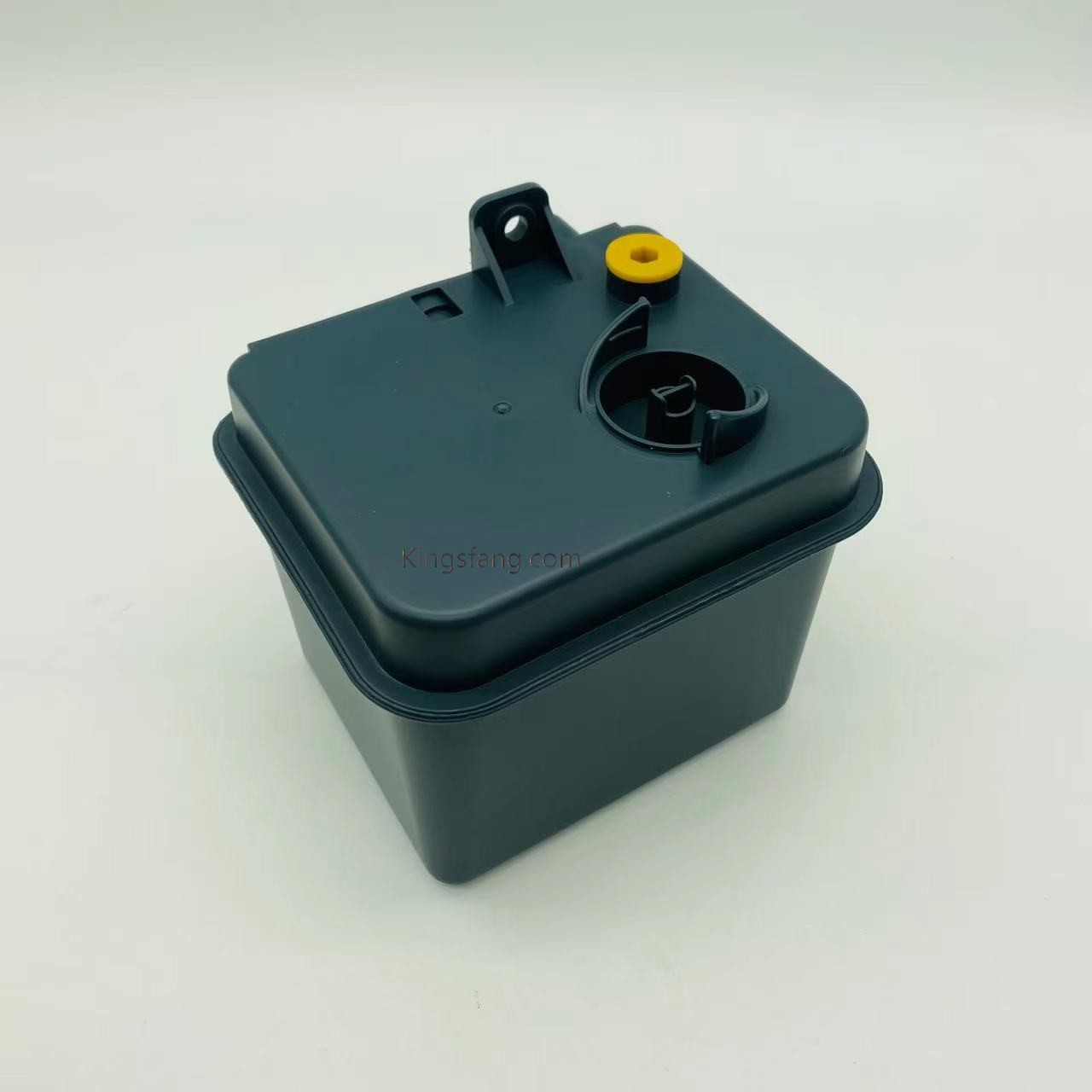
DB-EPT009810SP
Domino AX make-up module EPT009810SP for domino AX150 AX350 inkjet coding printer

The Domino AX make-up module EPT009810SP is an essential, user-replaceable component for the i-Tech ink system on Domino AX-Series continuous inkjet (CIJ) printers.

Read More
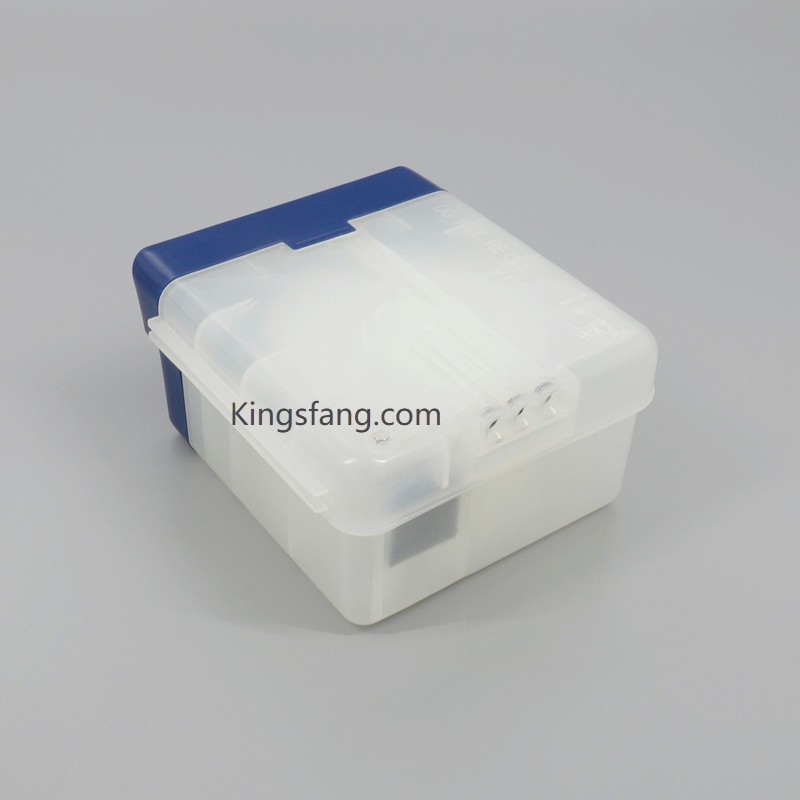
Easi-Change Filter Kit
Service Module with Code FA76504 for Linx CJ400 inkjet printer

Filter Box Service Module Filter Kits with Easy Change Code Linx CJ400 Service Module is an integrated filter maintenance themselves in minutes without the need for a professional technician.

Read More
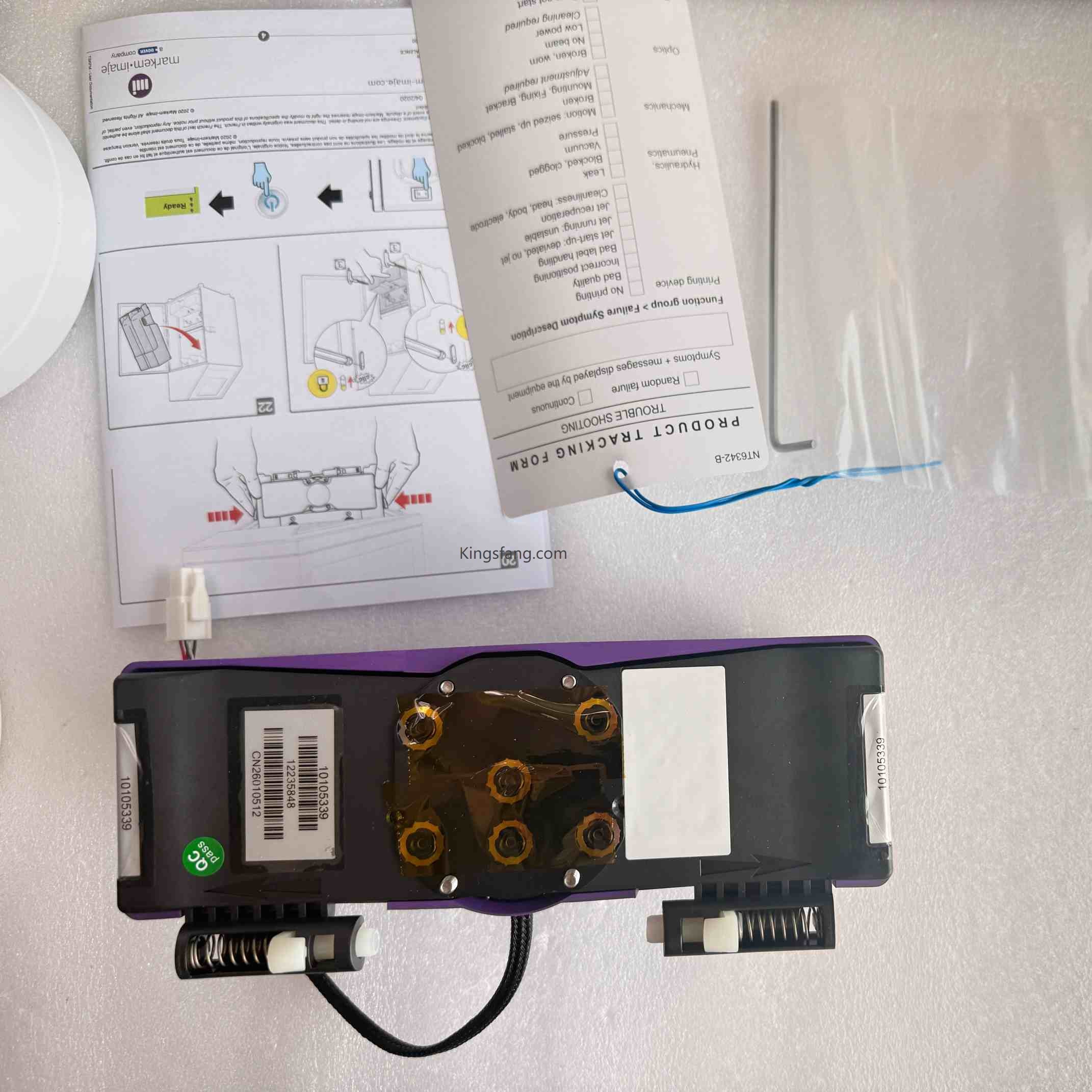
ENM10105339 Ink Core
9330 INK CORE ENM10105339 M6 ink circuit for 9330 Markem Imaje Inkjet Printer

The Markem-Imaje 9330 is an industrial Continuous Inkjet (CIJ) printer designed specifically for light-to-medium-duty production lines. Its M6” ink circuit system is a modular, all-in-one component that combines high efficiency with convenient operation.

Read More

Leave A Message

Leave A Message
If you are interested in our products and want to know more details,please leave a message here,we will reply you as soon as we can.
submit

Home

products

whatsApp

contact