
What Are You Looking For?

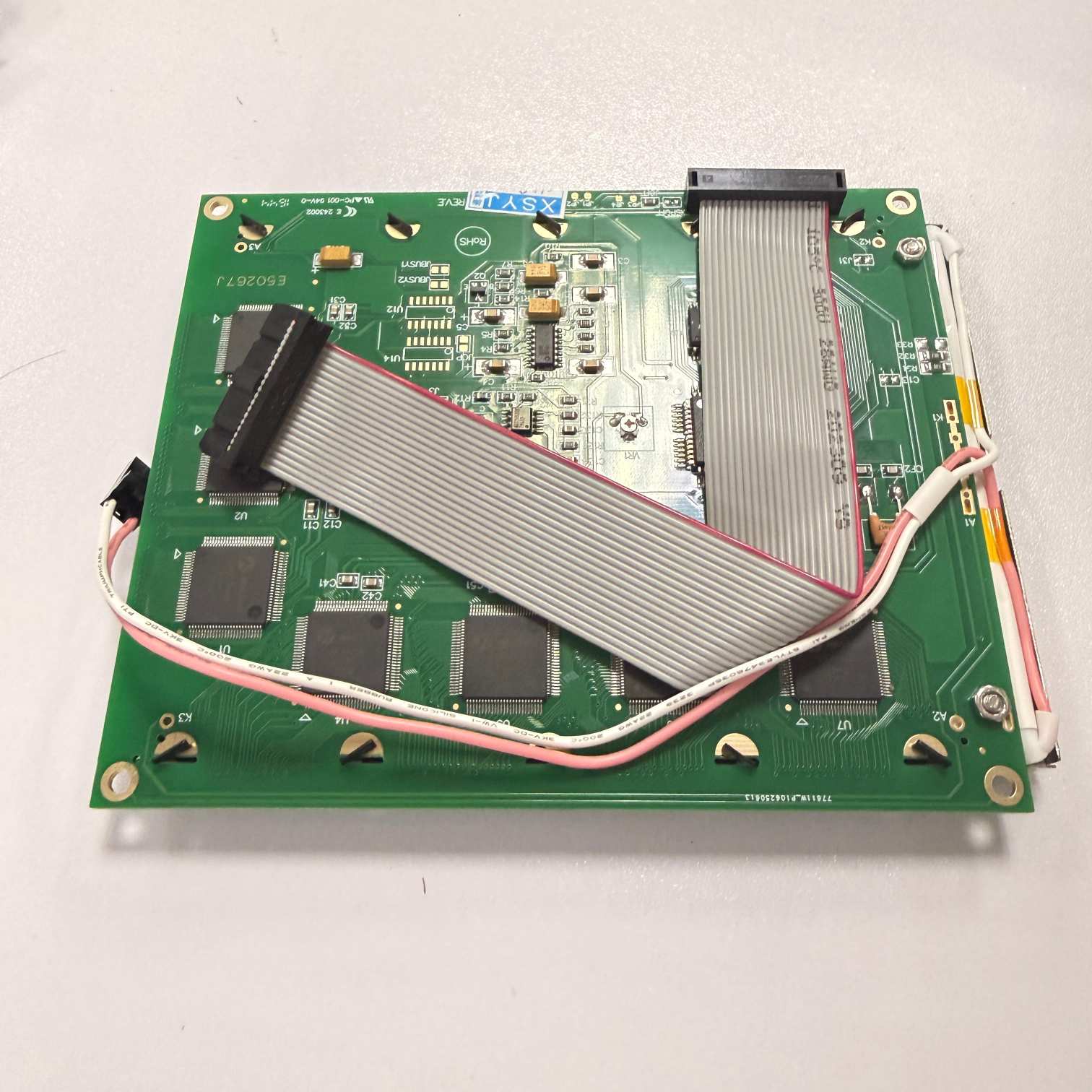
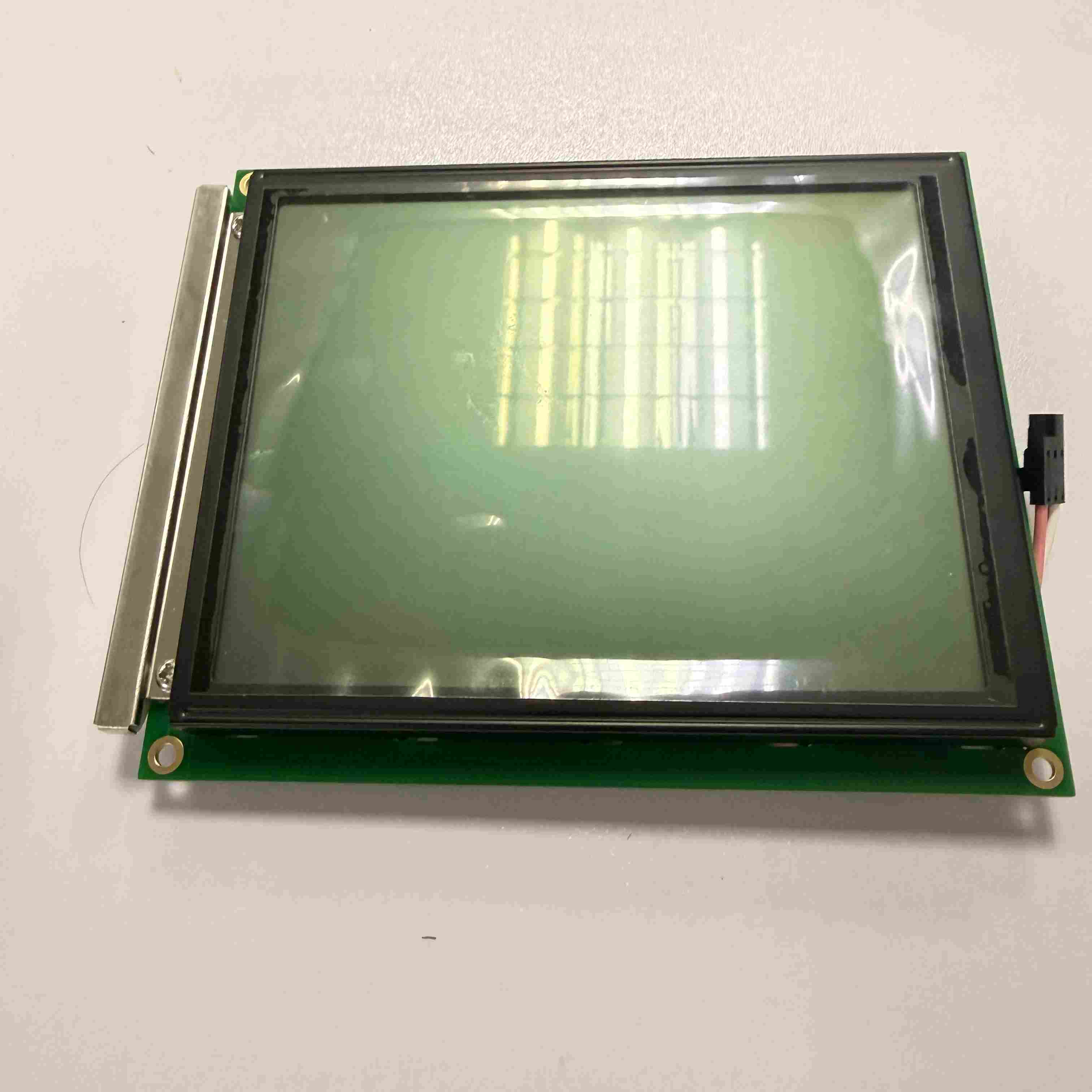
Citronix 004-2012-001 LCD for CI580/CI1000 Continuous Inkjet Printer
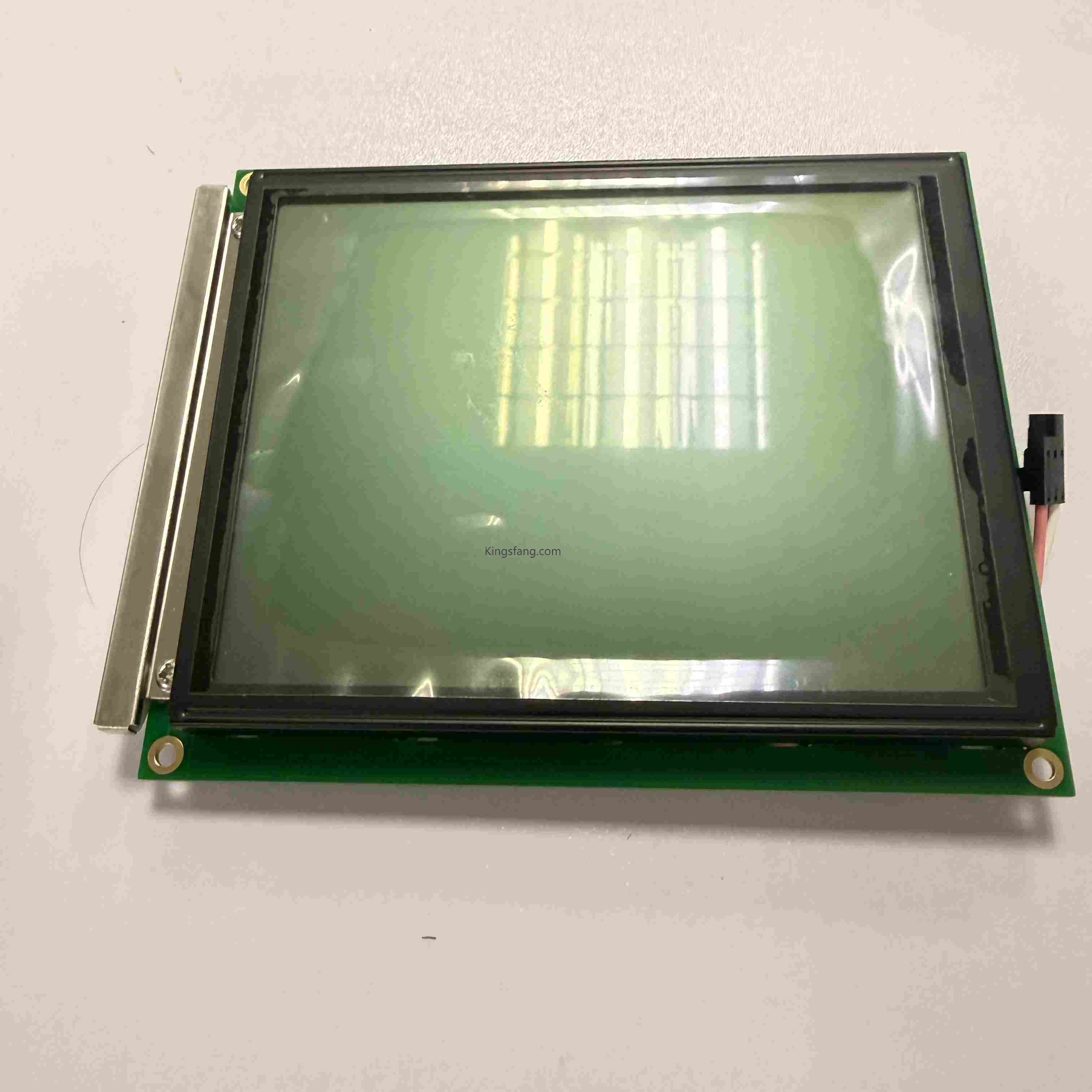
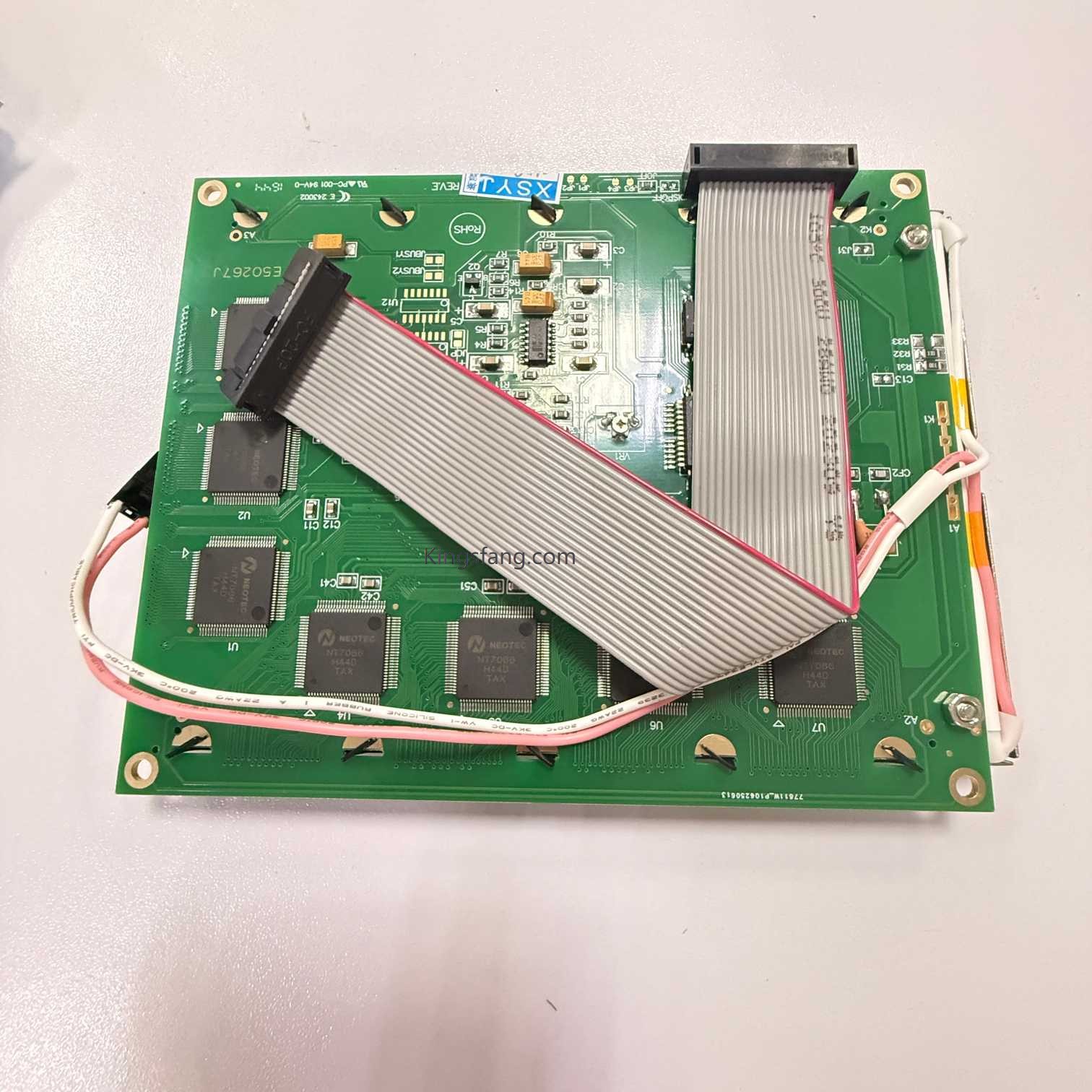
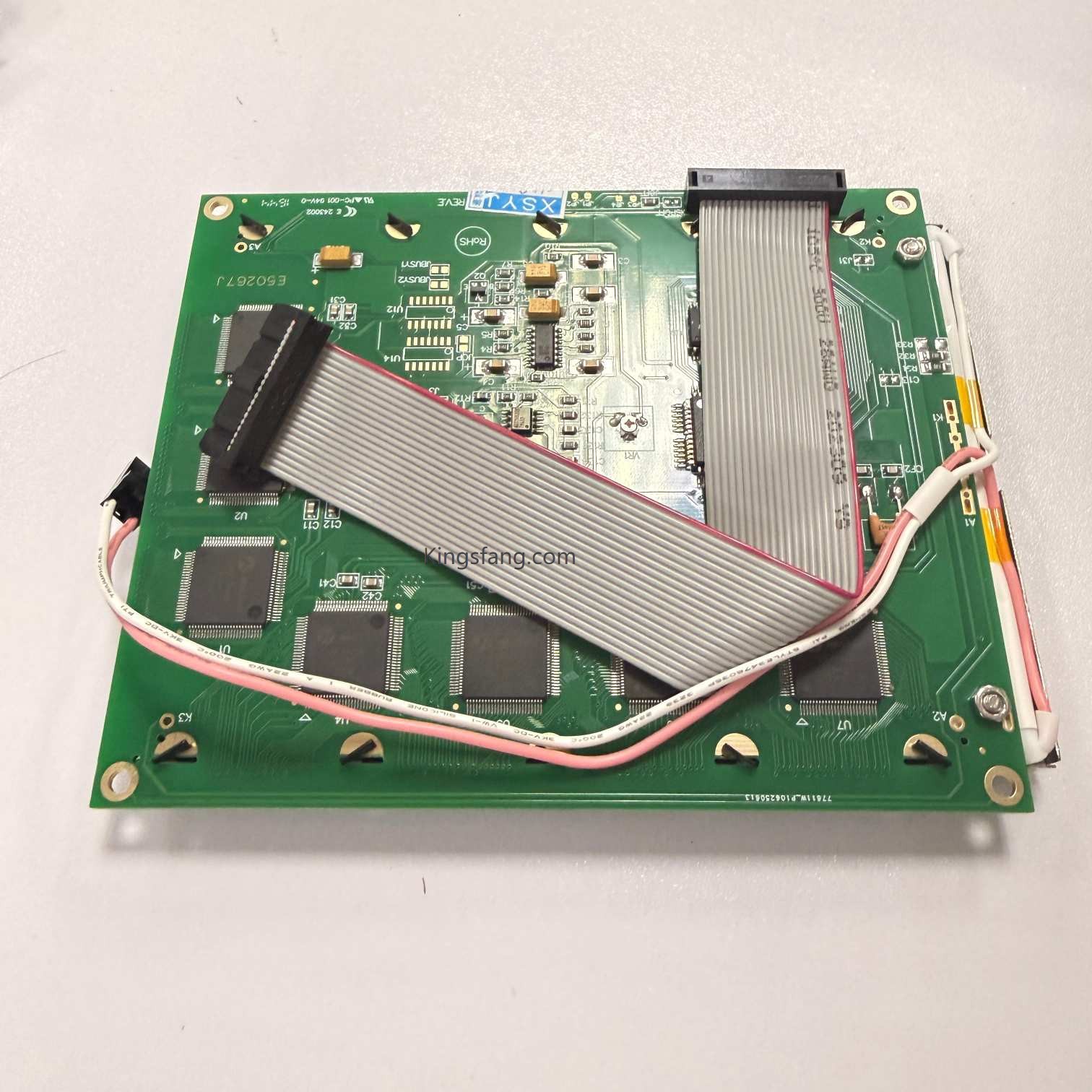
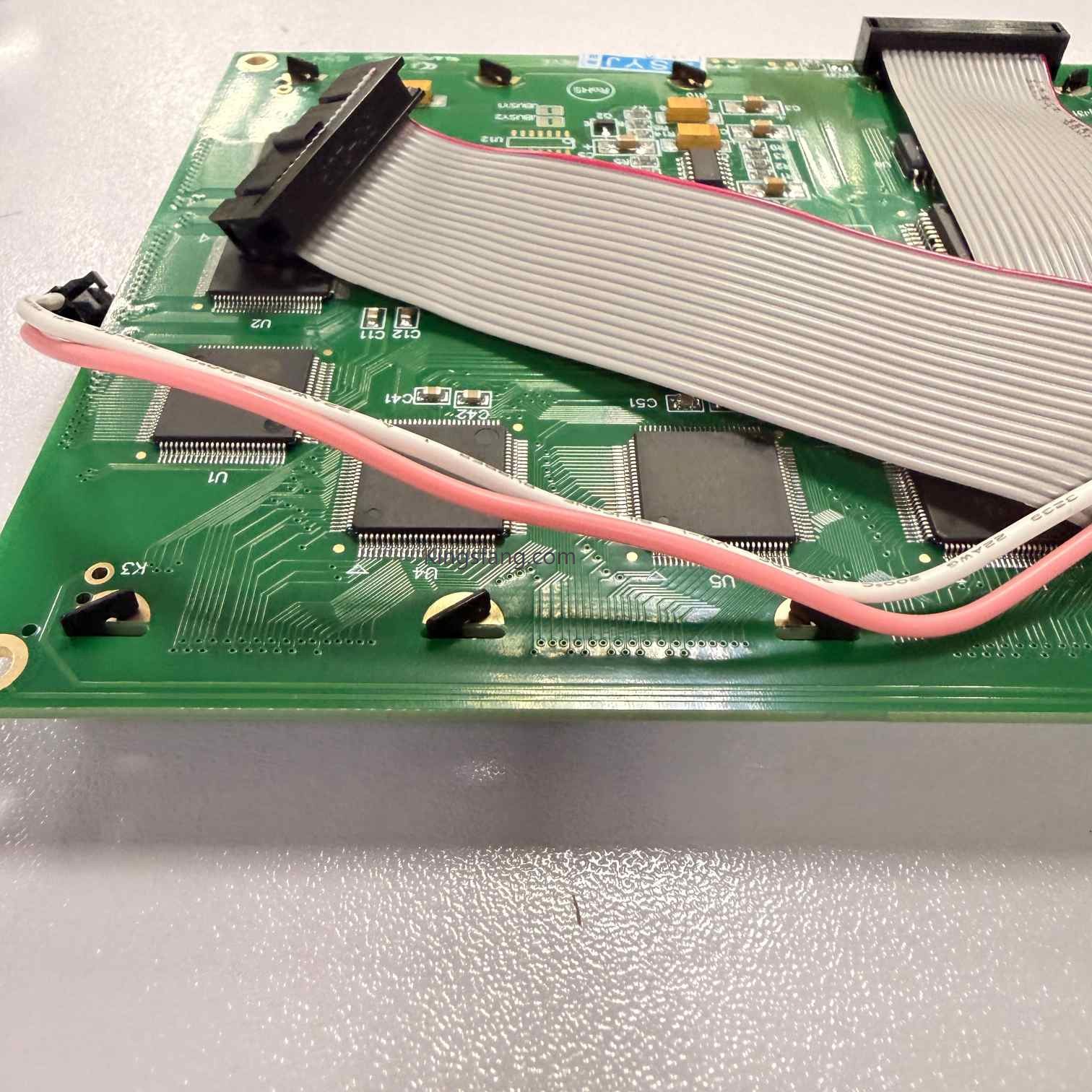
The Citronix Ci1000 printer utilizes a 1/4 VGA graphical Liquid Crystal Display (LCD). Its primary part number is typically 004-2012-001 or CB004-2012-001.
Item No :
004-2012-001Order(MOQ) :
1Payment :
via paypal, Western Union, Money Gram, bank, credit guarantee etcProduct Origin :
ChinaColor :
NONEShipping Port :
XiamenLead Time :
5-7daysWeight :
2kg
Product Description
User Interface: Features an intuitive icon-based interface combined with a full-size QWERTY keyboard.
Visual Experience: Includes message editing capabilities, allowing users to easily format messages by arranging field structures via drag-and-drop.
Diagnostic Functions: The screen displays automated self-diagnostic information, providing real-time indications of system status (e.g., ink/diluent levels, nozzle status, high-voltage status) and prompting necessary corrective actions.
Support System: Features built-in on-screen help and maintenance reminders, enabling routine maintenance to be performed without the need to consult a manual.





Packaging & Shipping

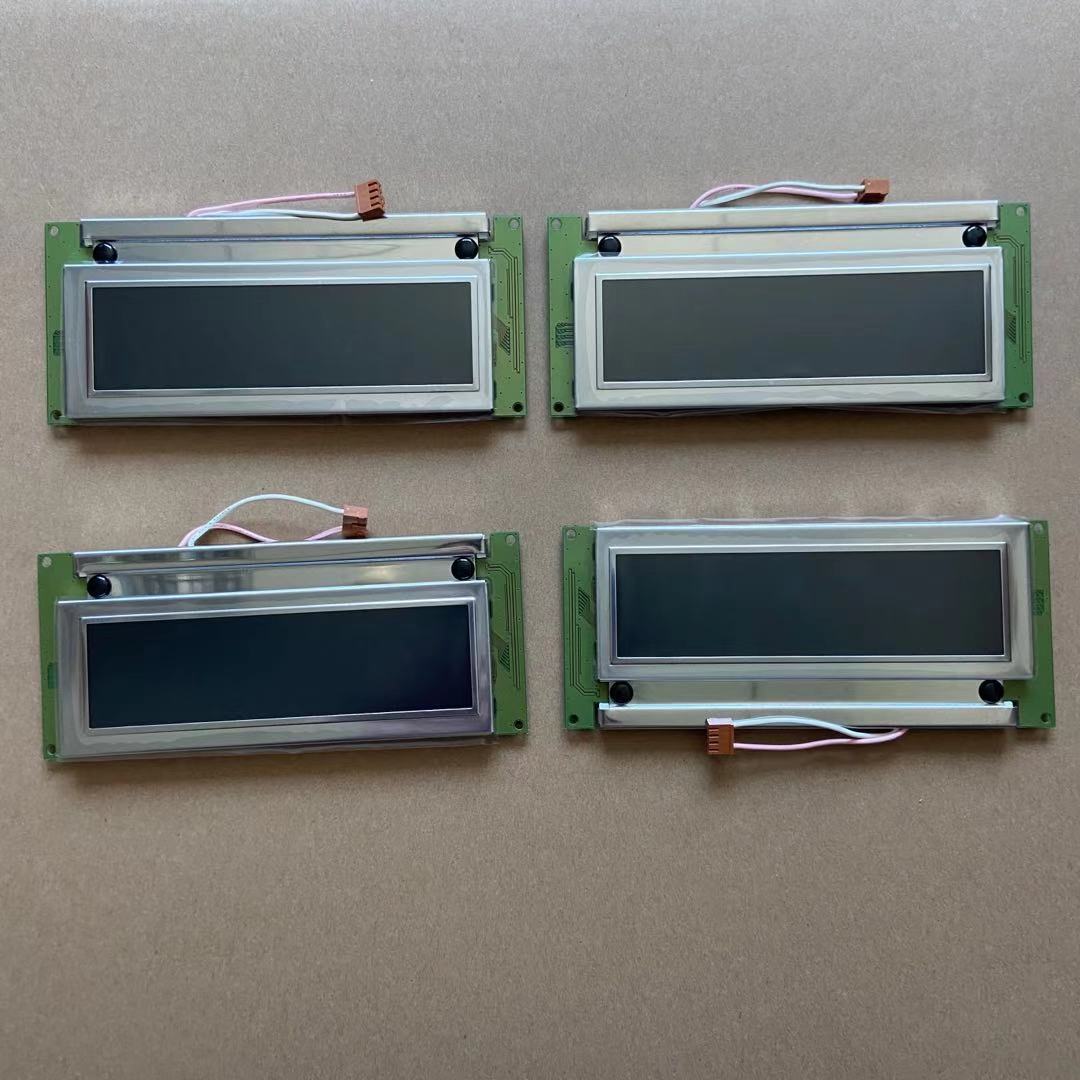
The Linx 4900 LCD display is a monochrome screen assembly with the manufacturer part number FA71068 (or FA70101 for the PCB assembly without the display itself). This display serves as the primary user interface for operating the continuous inkjet (CIJ) printer
Read More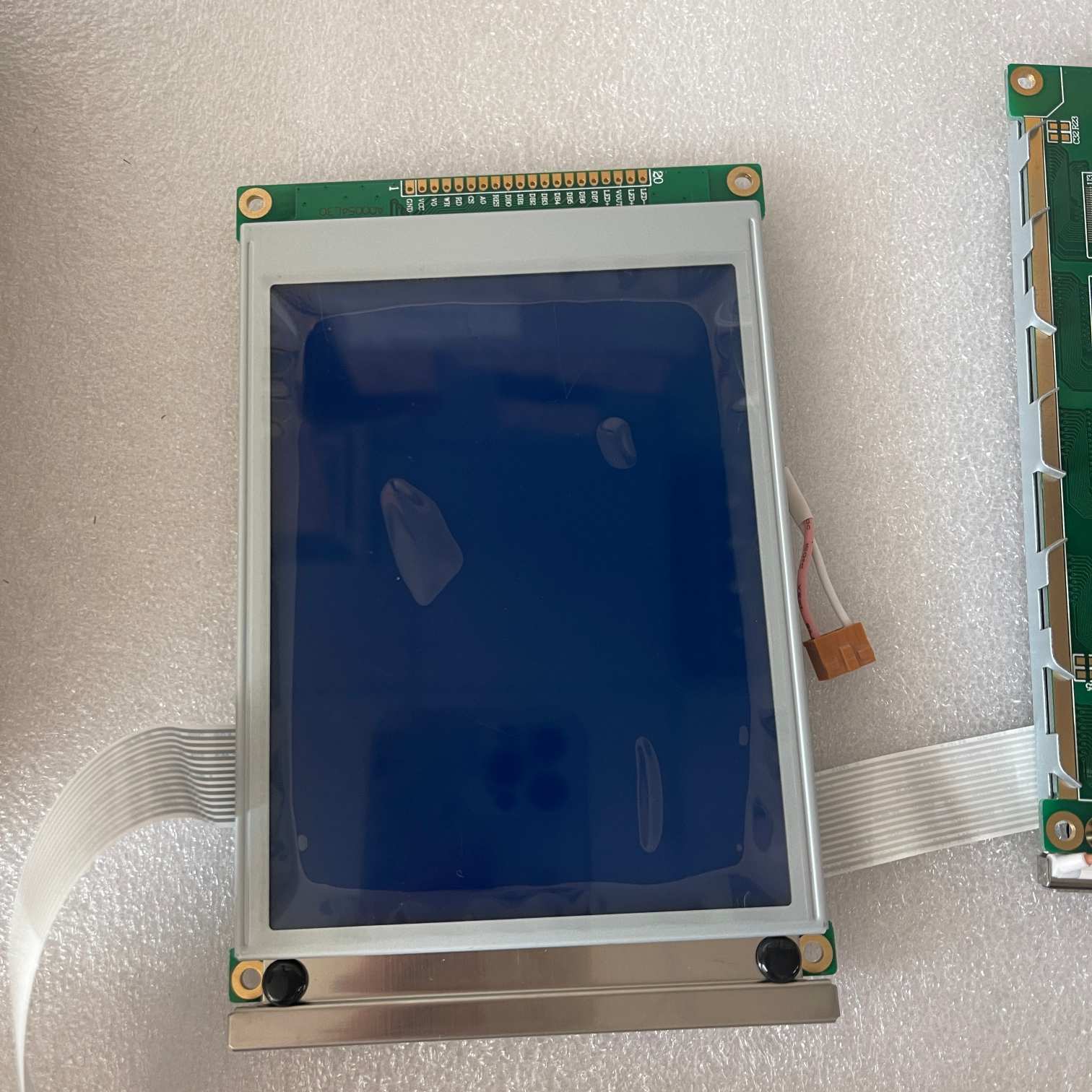
The part number 1-0140001SP (also seen as DA1-0140001SP) is the LCD display assembly for the Domino A100+ and Domino A200+ continuous inkjet (CIJ) printers, as well as other models in the A+ series
Read More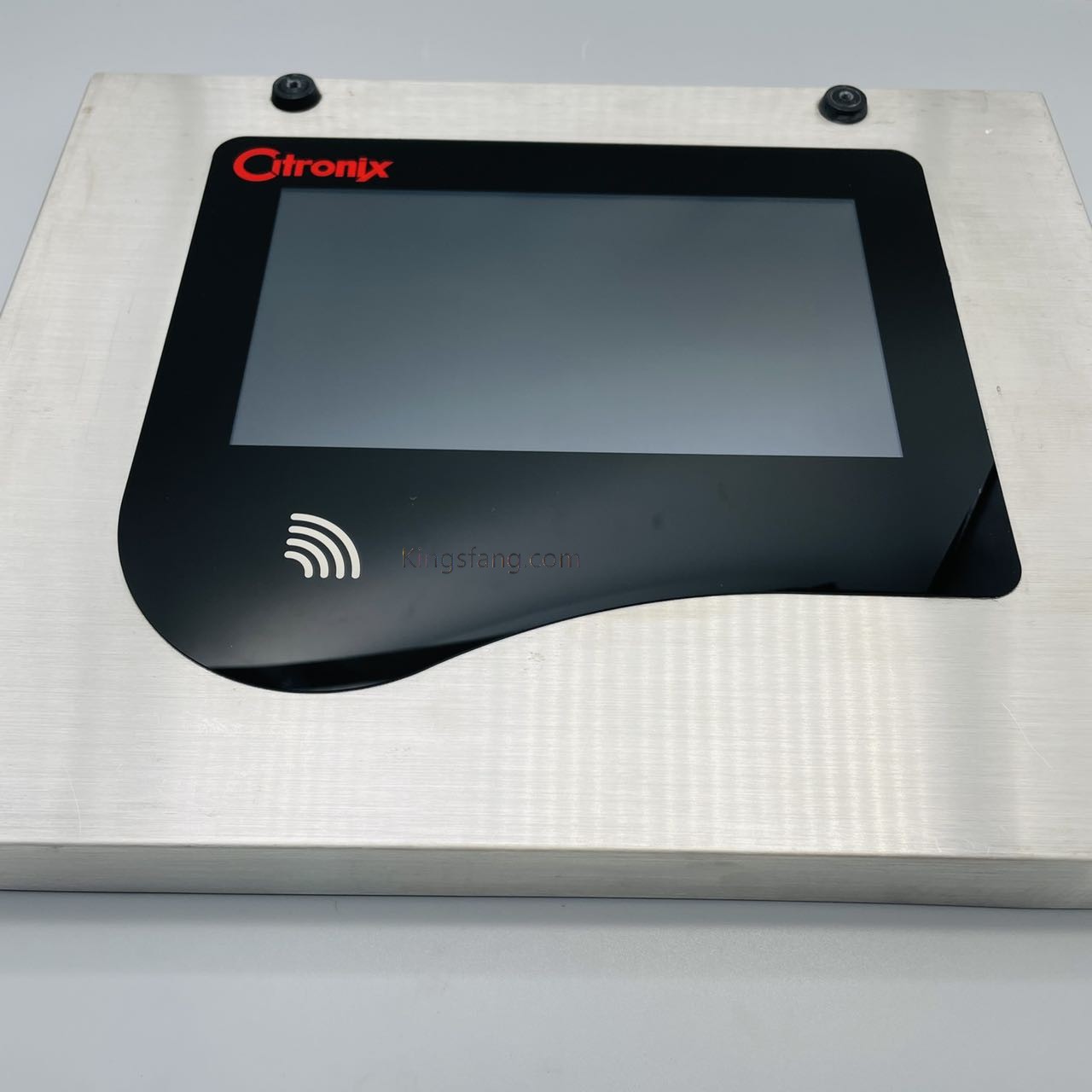
LCD display screen for the Citronix ci5500 industrial inkjet printer is available
Read More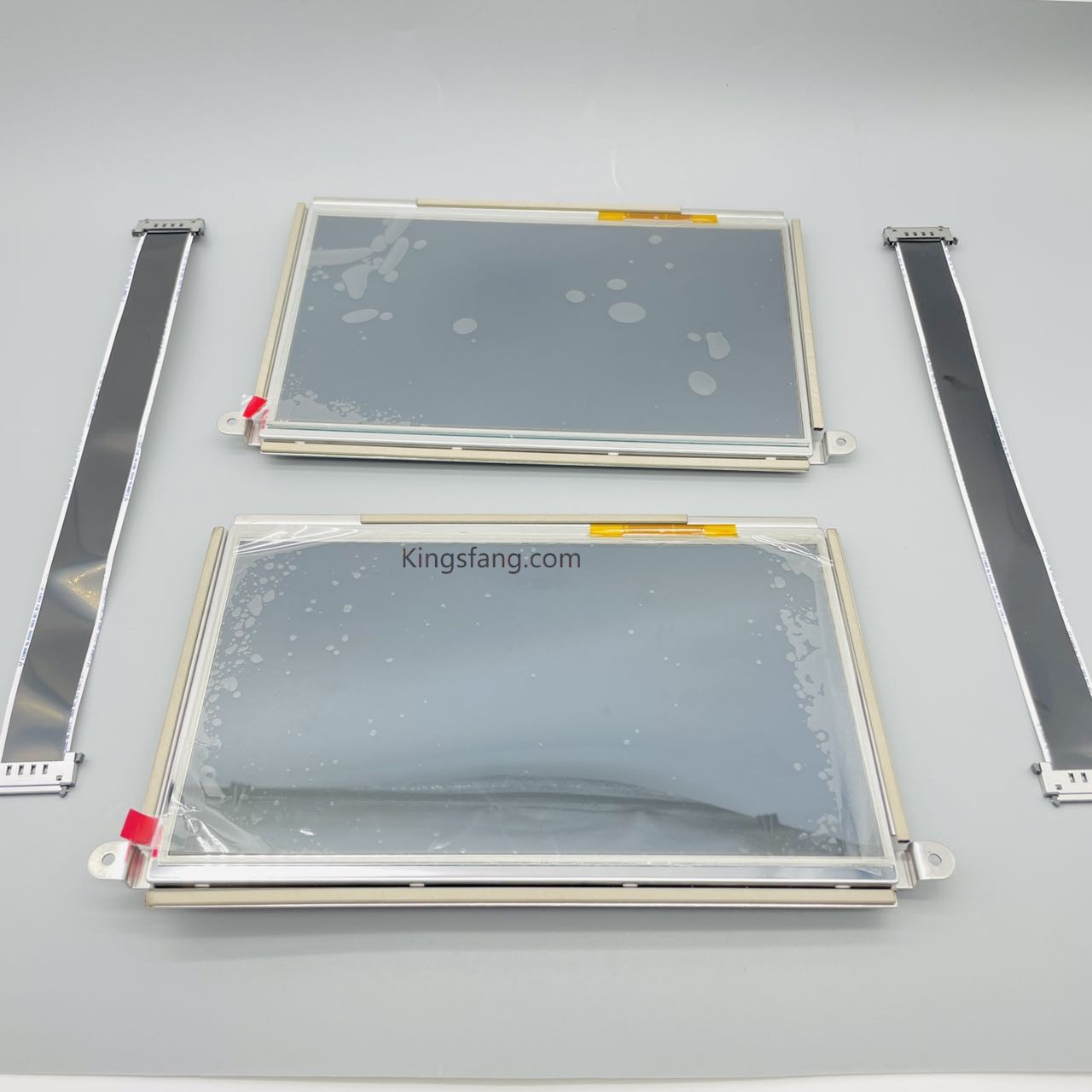
he LCD Display Screen for the Linx 8900 Continuous Inkjet (CIJ) printer is a 10-inch, icon-based color touchscreen assembly with the manufacturer part number FA11045. It serves as the primary Human-Machine Interface (HMI) for message creation and printer operation
Read More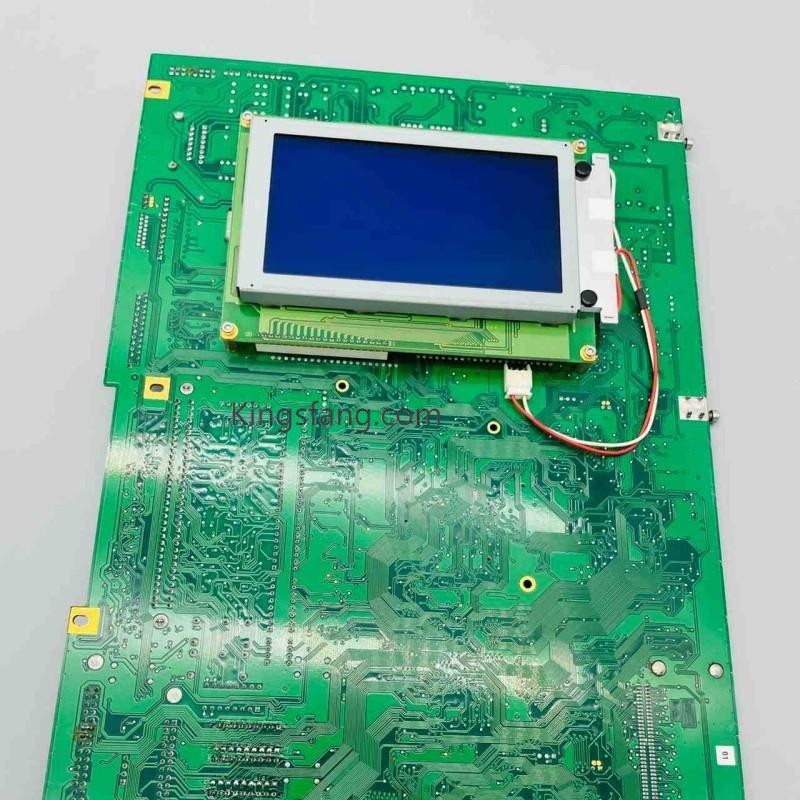
The item you are looking for is the main board (motherboard/CPU board) for a Markem-Imaje 9030 industrial continuous inkjet (CIJ) printer, with the "1.1G" likely referring to the board version or CPU speed/type.
Read More
The Citronix Ci1000 printer utilizes a 1/4 VGA graphical Liquid Crystal Display (LCD). Its primary part number is typically 004-2012-001 or CB004-2012-001.
Read More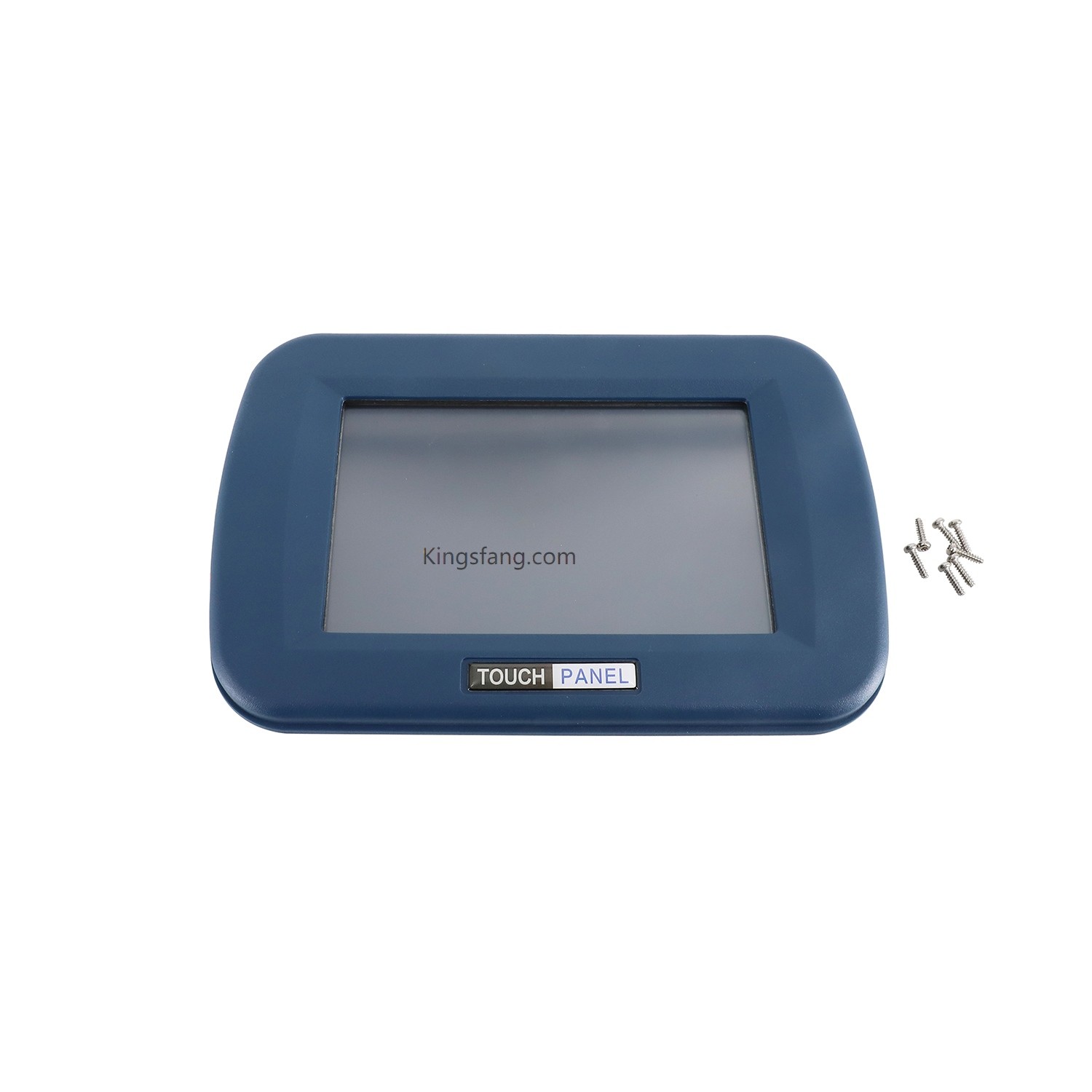
Domino Ax150i continuous inkjet printer utilizes a 7-inch integrated touchscreen LCD panel.
Read More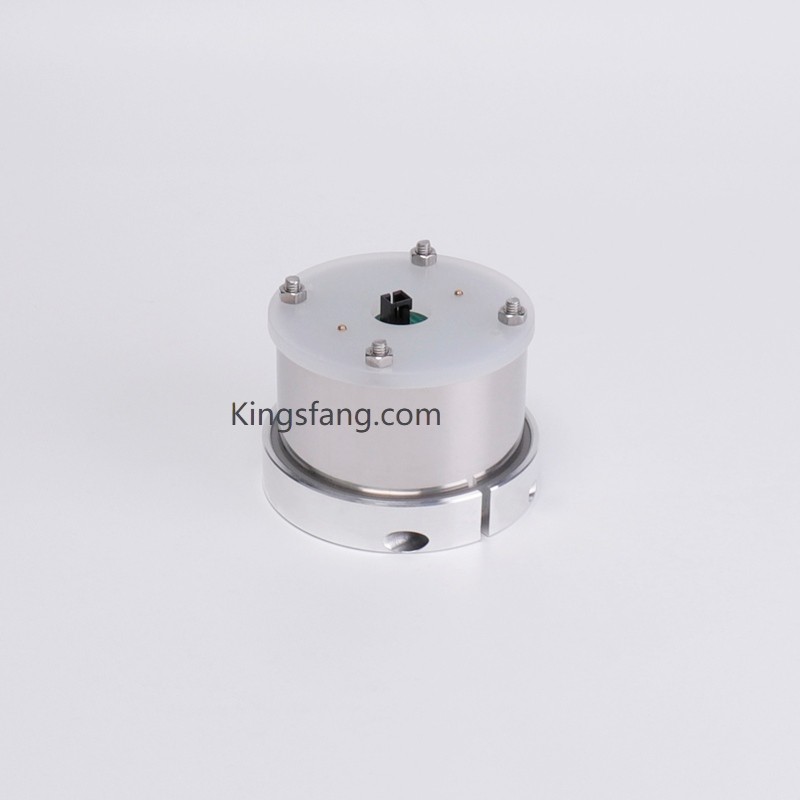
The GB-SKN0871 (SKN0871) is a core spare part—specifically a mixer/agitator— Leibinger industrial small-character inkjet printers. Installed within the ink reservoir or mixing tank, it prevents the sedimentation and separation of industrial inks (particularly high-pigment white or yellow inks, or heavy-formulation inks), thereby ensuring absolute uniformity in ink viscosity and color intensity.
Read More
Leave A Message
Scan to Wechat :

Scan to WhatsApp :

 English
 Pусский
 Español
 Português
 العربية
 فارسی
فارسی






 IPv6 network supported