
What Are You Looking For?
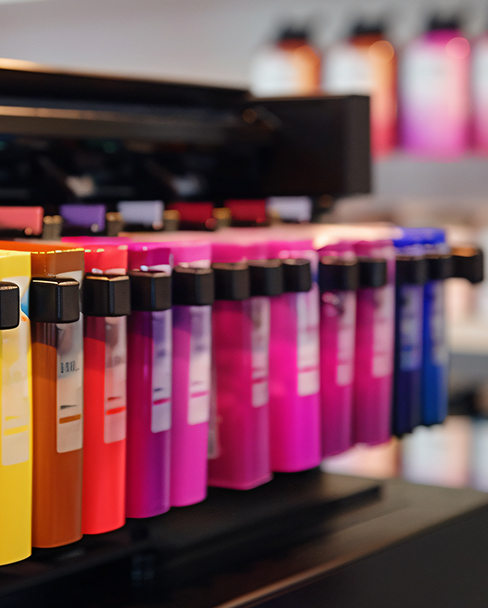
Password or lockout issues with Linx 5900 industrial inkjet printers are often related to access control or maintenance timers. We successfully tackled this issue in 2025, and now only the machine version number is required for a one-year filter replacement maintenance; the code is valid.
Below are the official handling methods and suggestions for common lockout scenarios:
1. Common Access Passwords
Linx devices typically have different access levels. If no changes have been made, you can try the following factory default settings:
Operator Level: Usually no password is required, or you can set it to 1234.
Supervisor Level: The default value is usually 0 1234 or 1 5900.
Engineer/Service Level: This level's password is held by a trained technician and is used to change core parameters.
2. Maintenance Timer Reset
The Linx 5900 has a maintenance timer that prompts the machine to perform maintenance when the operating hours reach a limit (typically 3,000 or 6,000 hours).
Official Operating Procedures: Maintenance and timer resets must be performed by a technician holding a dedicated "Service Key" or maintenance password.
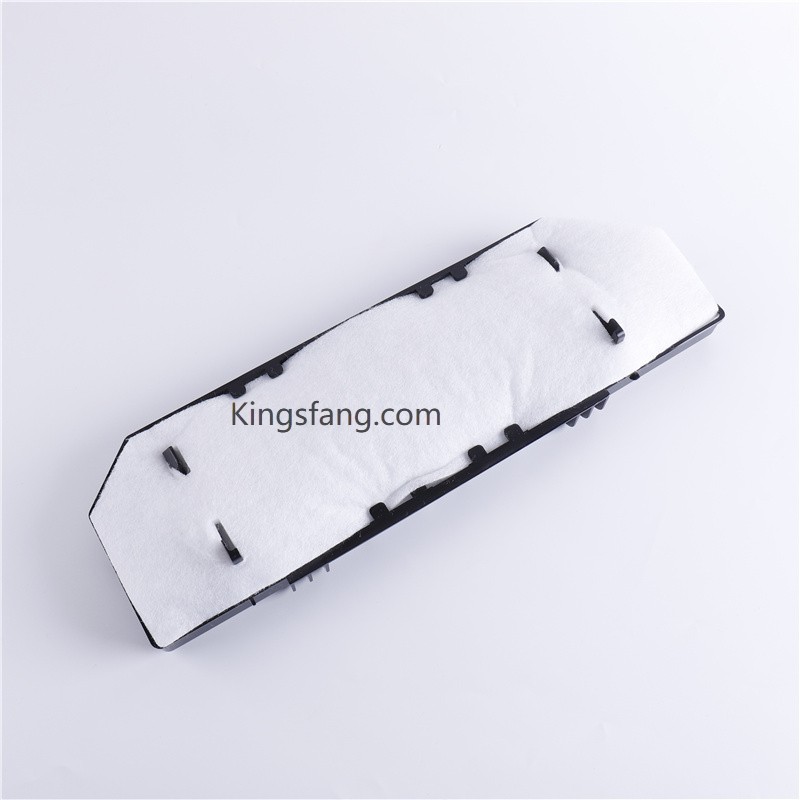
Parts Replacement: Resetting typically requires replacing the Linx 5900 Service Kit, which includes filter and pump checks to prevent ink system damage from filter clogging.
3. How to Unlock?
If you have lost your administrator password or are experiencing a service lockout, we recommend taking the following steps:
Reference Manual: Please refer to the "Password Security" section in the Linx 5900 product manual.
Contact an Authorized Dealer: Provide the machine serial number. Authorized dealers can provide a temporary unlock code or assist with password reset.
Third-Party Technical Support: Many industrial inkjet printer repair companies (such as InkJet, Inc.) offer compatible maintenance parts and technical guidance at prices typically lower than the original manufacturer, but professional equipment is still required for the reset.

Leave A Message
Scan to Wechat :
Scan to WhatsApp :

 English
 Pусский
 Español
 Português
 العربية
 فارسی
فارسی




 IPv6 network supported